For service businesses or projects that need invoicing without counter sales.
Explore invoicing30-Day Free Trial — No Credit Card
Start by workflow
Understand the difference between invoicing, POS, and compliance before choosing what fits your business.
This page helps you identify your business needs—whether invoicing, counter sales, or compliance such as e-Invoice and SST.
For counter sales with receipts, item lists, and daily sales records.
Explore POSFor businesses that focus on operations first and add e-Invoice or SST when needed.
Explore complianceINVOICING SYSTEM
Fits if your business starts with invoicing, not counter sales.
This section helps you understand when invoicing fits better than POS, especially for service businesses or field work.
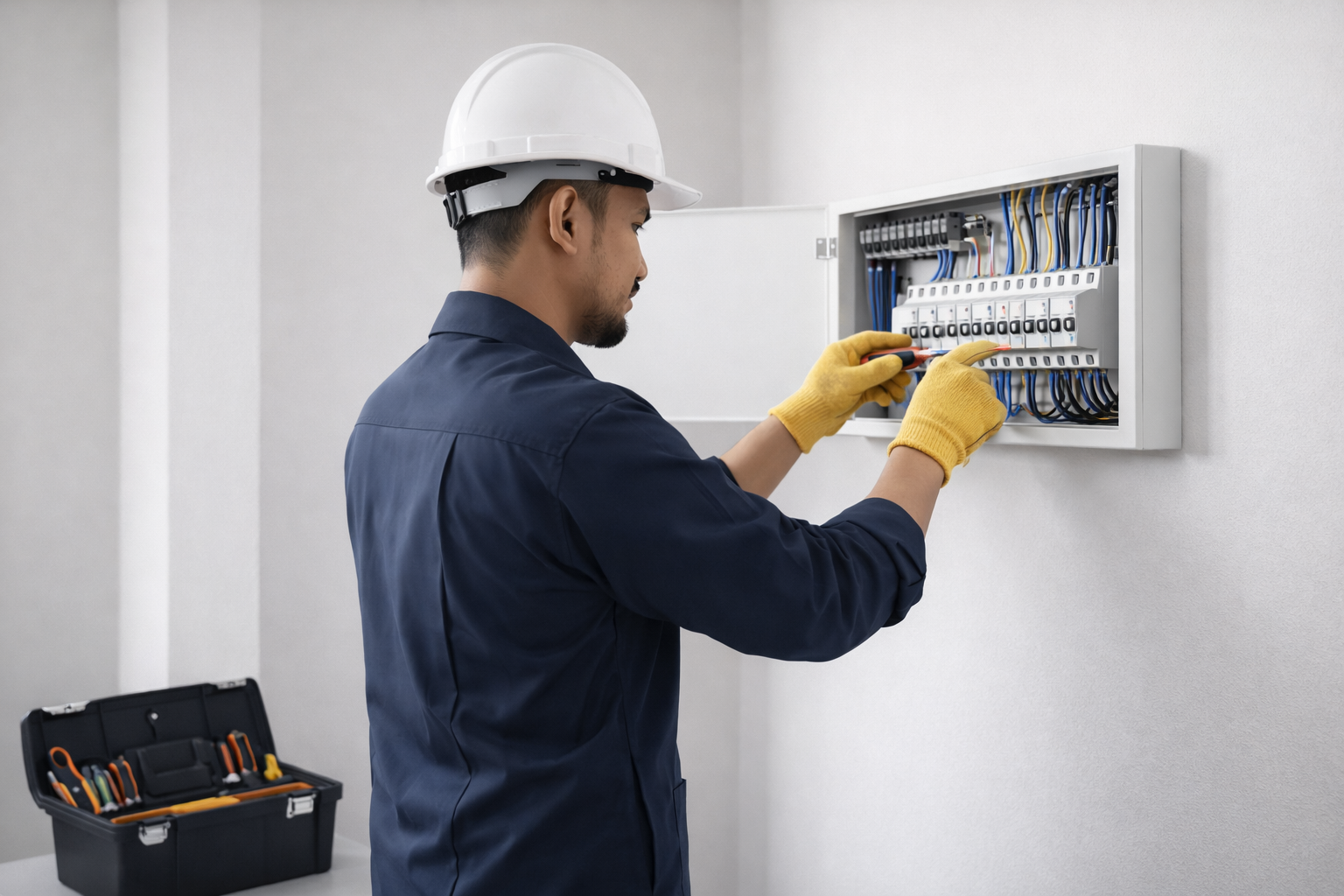
Focus on invoices, quotations, and customer records that are more organized.
- Create invoices and quotations in the same format without having to redo them every time.
- Save customer records and documents so they are easy to find.
- Fits services, projects, or field work that need invoices.
- Can add details such as TIN, SST, or e-Invoice when needed.
Freelancers, consultants, trainers, or individuals who create their own invoices.
Electricians, plumbers, aircond service, or technical work that charges by job.
Cleaning, landscaping, pest control, and recurring services that need customer records.
Service businesses that do not yet need a counter but already need invoices.
30 DAY
Free Trial
Fitting plan: Services
RM 49.00/month
✓ No credit card needed
✓ Cancel anytime
Yearly RM 390.00 (33.7% off)
POS SYSTEM
Fits if your business relies on counter sales, instant receipts, and daily item management.
Here we explain the basic POS functions and the short differences between the available plans.
Works on Windows and Android
All plans work on Windows desktops and Android devices for daily sales.
Windows Desktop
Fits main counters with larger screens and stable usage.
Android Tablet / Phone
Fits mobile operations, booths, or extra counters.
What POS helps with
- Enter sales quickly without manual notes.
- Issue receipts and save daily sales records.
- Save item lists so staff do not need to key in every time.
- View sales summaries and use a plan that fits your business.
Simple way to choose
Do not start with price alone. Ask first: do you sell at a counter, how many terminals are needed, and what type of business operation you have.

Vendor plan fits direct sales to customers with simple and fast daily records.
- Use one counter, manage orders, payments, and daily sales easily.
- Minimal space solution — fits small stalls or tight booths.
- No power point needed — use your own phone or battery-operated POS.
- No internet required for daily use.
Pasar malam
Burger stall
Drink kiosk
Food truck
Car boot
Small traders who want to start before expanding to a more complete setup.
30 DAY
Free Trial
Fitting plan: Vendor
RM 79.00/month
✓ No credit card needed
✓ Cancel anytime
Yearly RM 690.00 (27.2% off)

Premises plan fits businesses with fixed premises, front counters, and on-location sales.
- Has fixed premises and needs a more organized sales system.
- Manage counter sales, receipts, and daily records more neatly.
- Option to issue quotations or official invoices via cloud.
- Option to use up to 3 terminals — same branch, different branches, or mobile counters.
Small boutique
Spa or treatment center
Small barbershop or salon
Premises-based business that wants neater operations
30 DAY
Free Trial
Fitting plan: Premises
RM 109.00/month
✓ No credit card needed
✓ Cancel anytime
Yearly RM 990.00 (24.3% off)

Retail plan fits stores with many items and varied choices.
- Has many items and needs a more complete sales system.
- Even with many items, daily sales stay organized.
- Sell items in different units such as unit, pack, or carton.
- Manage items with variations such as color, size, or type.
Pet shop
Grocery or hardware
Stationery, accessories, computer, or apparel shop
Retail business with many items
30 DAY
Free Trial
Fitting plan: Retail
RM 149.00/month
✓ No credit card needed
✓ Cancel anytime
Yearly RM 1,440.00 (19.5% off)
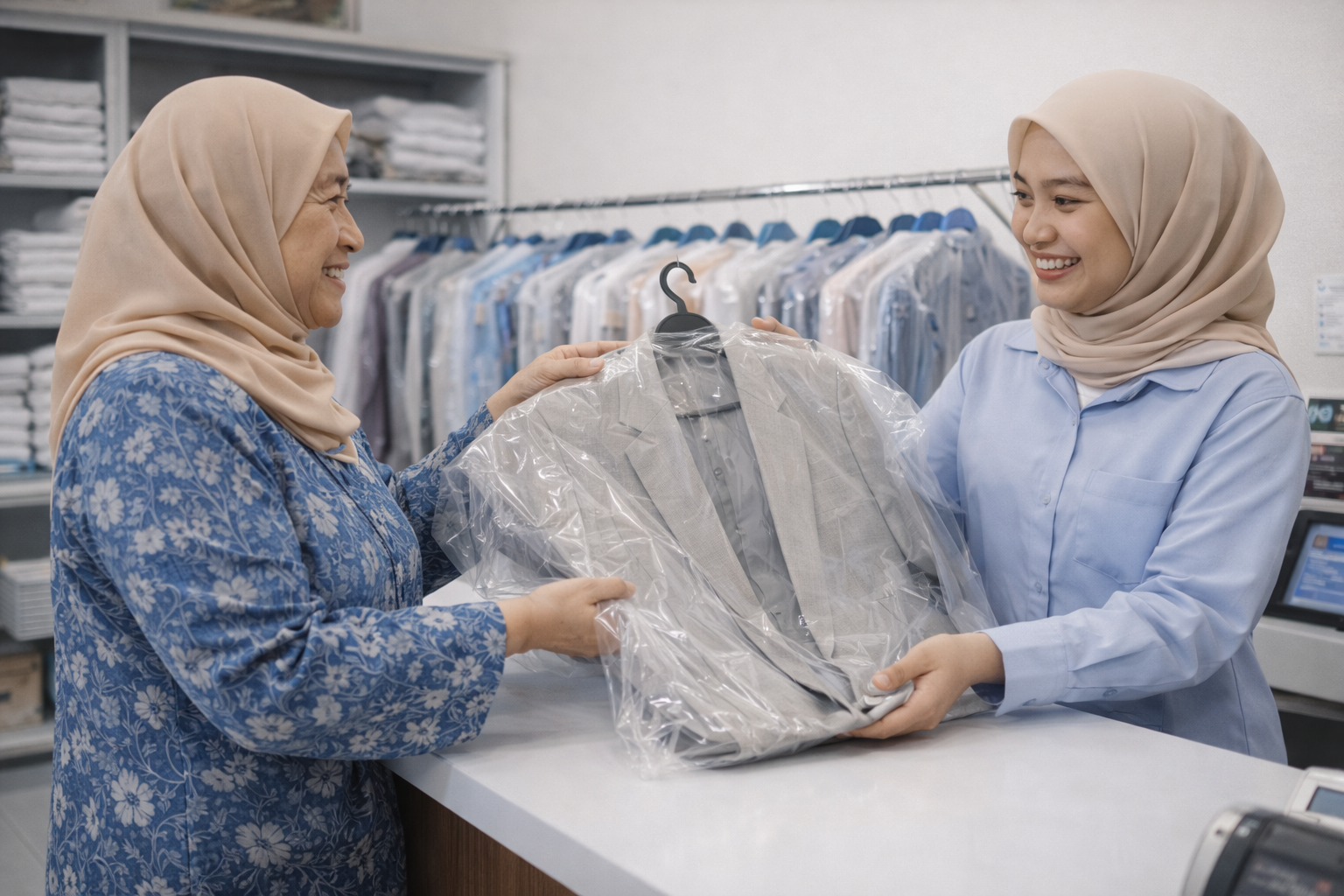
Laundry plan fits laundry businesses that manage incoming laundry, due dates, and customer pickups.
- Manage incoming laundry, due dates, and customer pickups more systematically.
- See job status whether in progress, ready, or not yet collected without manual notes.
- Save customer info so you don't have to re-enter each time.
- Issue receipts for customers and job tickets for staff reference.
- Know where clothes are stored when ready.
- Send WhatsApp notifications to customers when laundry is ready.
Wash-fold laundry
Dry cleaning or ironing
Laundry with various item types
Neighborhood laundry shop
30 DAY
Free Trial
Fitting plan: Laundry
RM 149.00/month
✓ No credit card needed
✓ Cancel anytime
Yearly RM 1,440.00 (19.5% off)
3. Compliance
Compliance is not for starting. Add when your business needs it.
You can start with invoicing or POS first, then add e-Invoice or SST when needed.
Decide whether you need invoicing or POS for daily work.
Make sure documents, sales, and customers are recorded properly.
Activate e-Invoice or SST when needed.
e-Invoice
RM 100.00/month · RM 1,200.00/year
Add if your business needs to issue e-Invoice.
SST
RM 100.00/month · RM 1,080.00/year
Add if your business needs SST.
Need help choosing the direction?
Share your operating summary and we will help review whether you should start with invoicing, Vendor, or another option.
- Good for prospects still comparing invoicing and POS.
- You can discuss first before committing to a specific plan.
- You can mention e-Invoice or SST too if you already see the need for them.